| Return to Overview of Web Part Configuration |
|---|
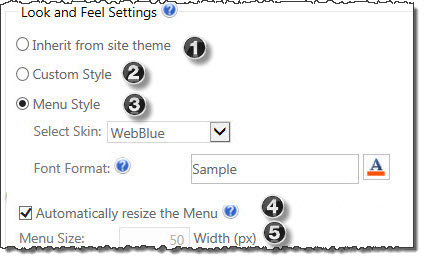 In the Web Part Tool Pane you can configure the following Look and Feel Settings to customize the Web Part Menu to individual needs.
| Step | Action | Result |
| 1. | Inherit from site theme | Select this option to change the look and feel (also know as skin) to reflect your site’s theme. |
| 2. | Custom Style | Selecting this option, lets you apply custom style settings and opens a URL window in which to enter the location of your custom style.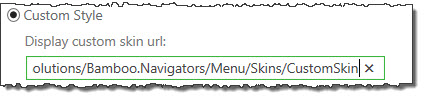 |
| 3. | Menu Style |
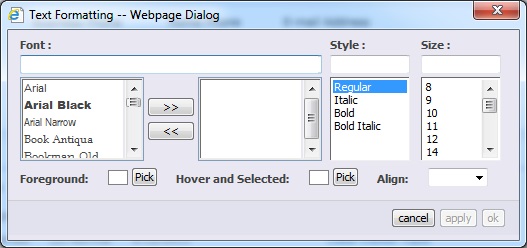
You have two options within this selection.
|
| 4. | Automatically resize the Menu | This box is set by default. Deselect this box to set menu size manually. |
| 5. | Menu Size | If you choose not to automatically resize the menu, add a pixel (px) value for setting a static width for the menu. |