| Step | Action | Result |
| 1. | From the Main Menu, select the option Remove a mapping. | The Content Type retrieval screen is displayed. 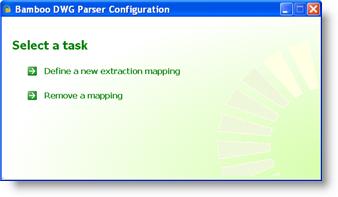 |
| 2. | Enter the URL of the appropriate SharePoint server or site in the address field. | |
| 3. |
Select the option for verifying user credentials by clicking on the Interactive User or Custom Account radio button.
|
|
| 4. | Click Next to advance to the next step. | The Content Type selection screen is displayed. 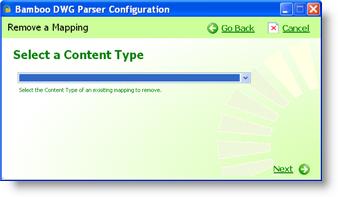 |
| 5. | From the dropdown list, choose the Content Type used to map imported DWG title block attributes. | |
| 6. | Click Next to advance to the next step. | The title block mappings screen is displayed.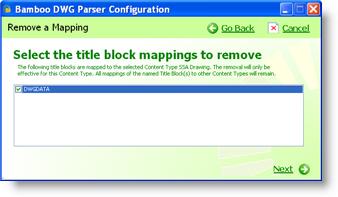 |
| 7. | Click the individual checkbox next to a title block extraction mapping to select it. | |
| 8. | Click Next to advance to the next step. | The removal confirmation screen is displayed.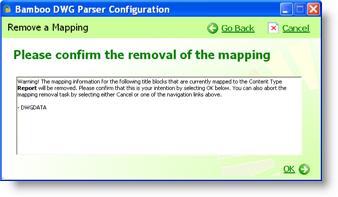 |
| 9. |
Click OK to remove the selected extraction mapping(s). OR Click Cancel in the top right of the screen to return to the main menu without removing the selected extraction mapping(s). |
|