To re-use a saved template for an import, follow these steps. To save a template, see Save a Migration Template
| Step | Action |
|---|---|
| 1. | 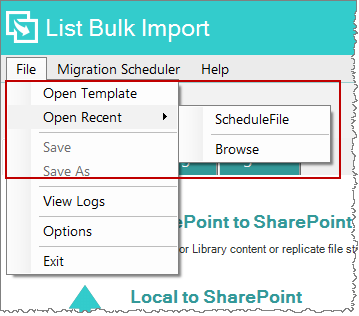 From the Home Tab, select View Templates. Or, from any tab, select File > Open Template or Open Recent. From the Home Tab, select View Templates. Or, from any tab, select File > Open Template or Open Recent. |
| 2. |
Locate the file and click Open. |
| 3. | All source, target, and mapping configurations will load. Review the saved settings and perform the import. |
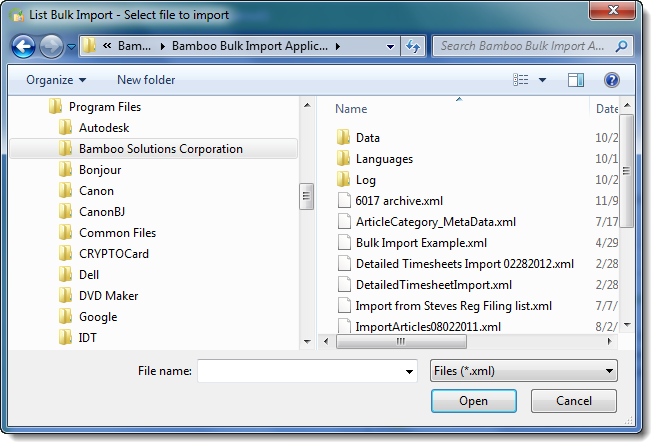 Browse for your saved template. It will be a file with a *.xml extension.